What Is IPTV? How Internet Protocol Television Works
If you’re wondering “what is IPTV,” this complete guide has the answers. IPTV (Internet Protocol Television) delivers television channels over an internet connection instead of a cable or satellite signal. We’ll explain what is IPTV technology, how IPTV works technically, how M3U playlists power IPTV streaming, and how IPTV compares to traditional TV delivery.
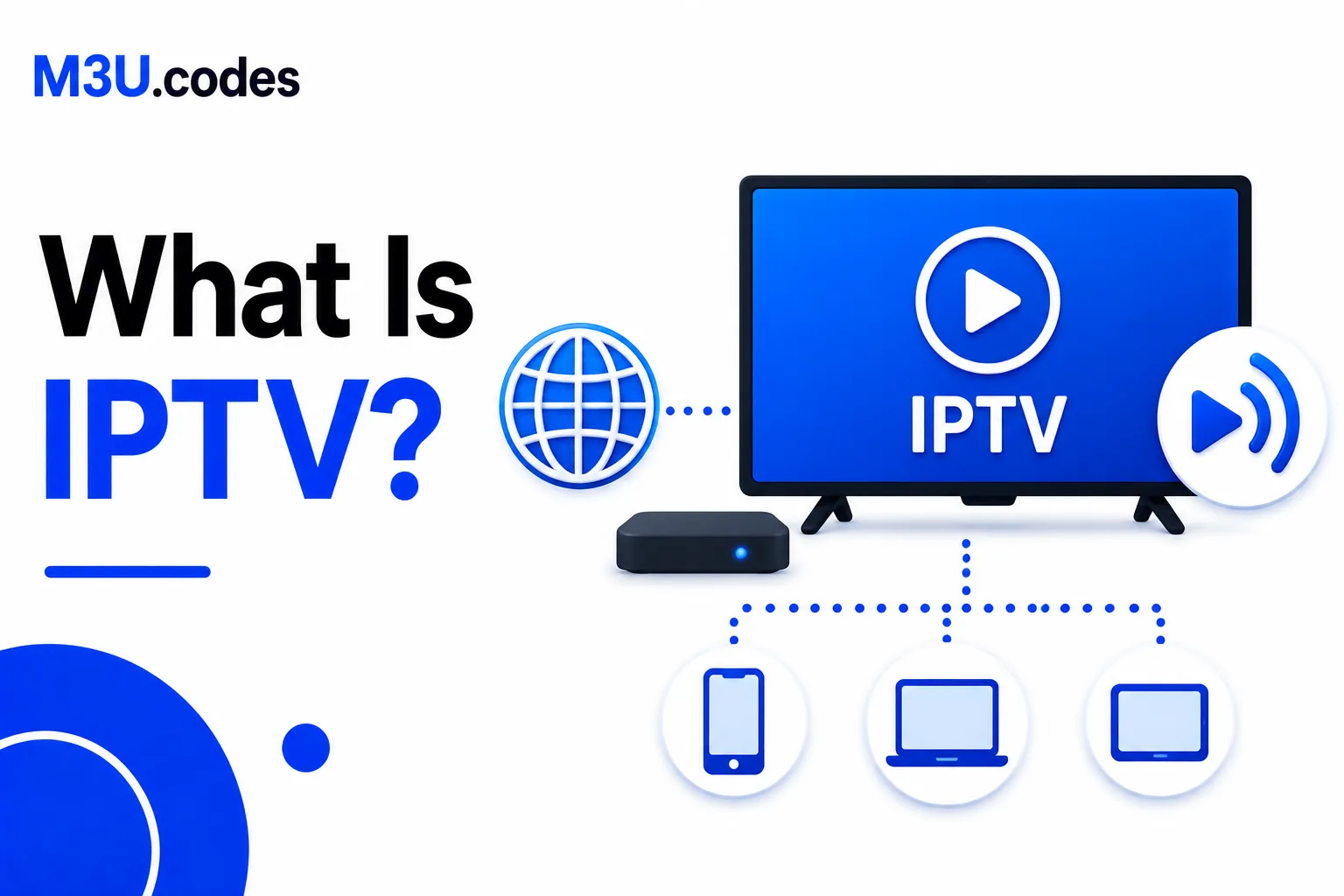
What Is IPTV?
So what is IPTV exactly? IPTV stands for Internet Protocol Television. IPTV is a system for delivering television programming and video content using the internet protocol (IP) suite — the same underlying technology used by the web, email, and streaming services like Netflix — instead of traditional broadcast, cable, or satellite signals.
Understanding what is IPTV requires knowing the key distinction from cable TV: with cable TV, the broadcaster pushes every channel to every subscriber simultaneously over a dedicated physical infrastructure. With IPTV technology, the viewer requests a specific stream on demand, and only that IPTV stream is delivered over the internet to their device. This is what makes IPTV more flexible than traditional TV.
How IPTV Works Technically
Now that you know what is IPTV, let’s explore how IPTV works. The end-to-end IPTV streaming flow works like this:
- Encoding: The source content (live broadcast, film, sports event) is digitally encoded as a video stream — typically in H.264 or H.265 format, wrapped in an MPEG-TS or fMP4 container.
- IPTV streaming server: The encoded stream is hosted on a streaming server accessible over the internet. Live IPTV channels are broadcast continuously; VOD content is stored as files.
- M3U playlist delivery: The IPTV provider gives the subscriber an M3U file containing URLs for each channel. The IPTV player reads this file to know where each stream lives.
- Player request: When the viewer selects a channel, the IPTV player makes an HTTP request to the stream URL. The server begins delivering the stream.
- Playback: The player decodes the incoming stream and displays it. For HLS streams, the player also handles adaptive bitrate switching based on the viewer’s connection speed.
IPTV vs Cable TV
| Feature | IPTV | Cable / Satellite |
|---|---|---|
| Delivery method | Internet (IP) | Coaxial cable / satellite signal |
| Required hardware | Any internet-connected device | Dedicated set-top box |
| Channel selection | On-demand per stream | All channels broadcast simultaneously |
| Bandwidth | Only uses bandwidth for active stream | Fixed infrastructure capacity |
| Geographic limit | Works anywhere with internet | Limited to cable/satellite coverage area |
| EPG support | Via XMLTV/EPG URL in M3U | Built into set-top box |
| VOD | Yes — separate stream URLs | Limited (depends on provider) |
| Cost | Varies — often cheaper | Fixed subscription |
| Reliability | Depends on internet connection | Generally more stable |
The Role of M3U Playlists in IPTV
Understanding what is IPTV also means understanding how M3U playlists power the technology. The M3U file is the bridge between the IPTV provider’s server and the viewer’s IPTV player. It is a plain-text list of IPTV stream URLs — one per channel — with metadata attributes that tell the IPTV player:
- What to call the channel — the display name after the comma in
#EXTINF - Which category it belongs to —
group-titleattribute - What logo to show —
tvg-logoattribute - How to match it to the EPG —
tvg-idattribute - Where the stream lives — the URL on the line after
#EXTINF
When you load an M3U playlist into an IPTV app for IPTV streaming, the app reads all of this data, builds the channel list UI, fetches logos, connects to the EPG source, and starts playing IPTV streams when you select a channel. The M3U file itself is small — an IPTV playlist of 10,000 channels is typically under 2 MB of text.
See the M3U format guide for the full syntax, or the EXTINF reference for every attribute.
Types of IPTV Content
What is IPTV capable of delivering? IPTV supports multiple content types:
- Live IPTV TV: Real-time broadcast channels — news, sports, entertainment. Duration is
-1in the EXTINF tag. The IPTV stream URL delivers a continuous feed. - VOD (Video on Demand): Films and TV series available to watch at any time. Duration is the actual length of the content. The stream URL points to a static video file or HLS playlist.
- Catch-up / Time-shifted TV: Recorded versions of past broadcasts available for a window (typically 7 days). Requires catch-up support in both the provider and the player app.
- Series: Organized collections of TV show episodes. Some IPTV apps (TiviMate, IPTV Smarters) parse series data from M3U metadata to create a Netflix-style browsing experience.
What You Need to Watch IPTV
To start IPTV streaming, you’ll need:
- An IPTV subscription or source — an IPTV provider who gives you an M3U URL or file. Some legitimate IPTV sources include broadcaster catch-up services, YouTube Live, and self-hosted Plex/Jellyfin setups.
- An M3U playlist for IPTV — either a URL (refreshed automatically) or a downloaded file. See the IPTV playlist guide.
- An IPTV player app — TiviMate (Android TV), IPTV Smarters, VLC, Kodi, or GSE Smart IPTV. These apps are designed specifically for IPTV streaming. See the IPTV players guide.
- A stable internet connection for IPTV — minimum 10 Mbps for HD IPTV streaming. Wired ethernet is recommended for live IPTV TV to prevent buffering.
FAQ
What is IPTV?
IPTV (Internet Protocol Television) delivers television channels over an internet connection rather than cable or satellite. Channels are accessed as internet streams via an M3U playlist loaded into an IPTV player app.
Is IPTV legal?
IPTV as a technology is legal. Whether a specific service is legal depends on whether the provider has broadcasting rights. Official broadcaster services and self-hosted setups are legal. Third-party services offering premium channels without licensing rights are not.
What is the difference between IPTV and cable TV?
Cable TV delivers all channels simultaneously over a physical cable infrastructure. IPTV delivers only the channel you request over your internet connection, on any device, from anywhere.
What internet speed do I need for IPTV?
SD: ~5 Mbps. HD: 10–25 Mbps. 4K: 25–50 Mbps. A wired ethernet connection is more reliable than Wi-Fi for live TV.
Do I need a special device?
No. Any device that can run an IPTV player app works: Android TV box, Fire TV Stick, Apple TV, phone, tablet, Windows PC, Mac, or a smart TV with an app store.