Streaming Protocols — HLS, DASH, RTMP, SRT & WebRTC
If you're comparing streaming protocols, this comprehensive streaming protocols guide explains everything. Learn about streaming protocols like HLS, MPEG-DASH, RTMP, SRT, and WebRTC streaming protocols. This streaming protocols comparison covers what each streaming protocol does, when to use streaming protocols, and how streaming protocols relate to IPTV and M3U playlists. Understanding streaming protocols is essential for choosing the right video delivery method.
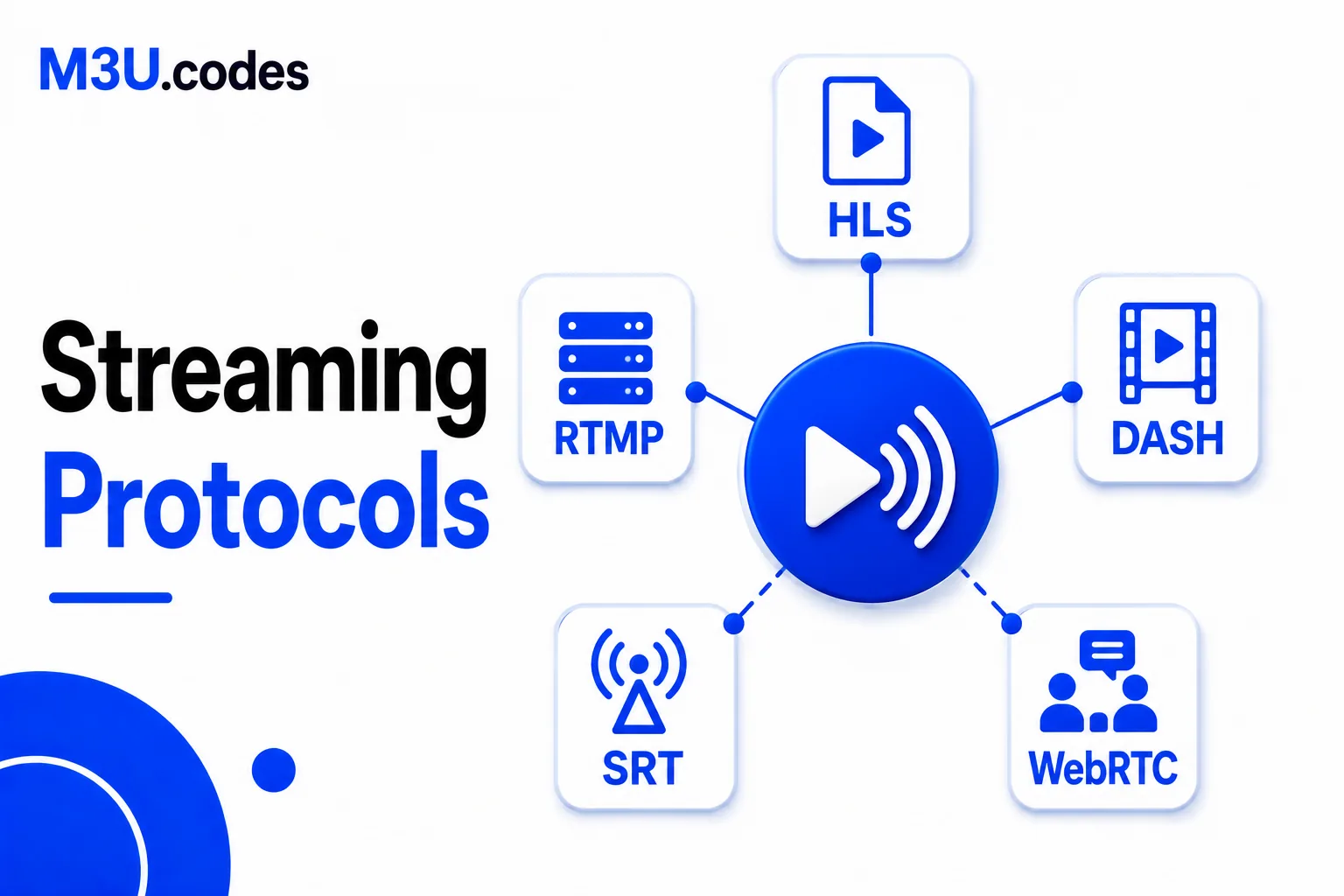
Quick comparison
| Protocol | Format | Latency | Primary use |
|---|---|---|---|
| HLS | .m3u8 | 6–30 sec (standard) / <2 sec (LLHLS) | IPTV, VOD, live streaming |
| MPEG-DASH | .mpd | 6–30 sec | VOD, live streaming (enterprise) |
| RTMP | rtmp:// | 1–5 sec | Live stream ingest, legacy players |
| SRT | srt:// | 0.5–2 sec | Low-latency live contribution, broadcast |
| WebRTC | Browser API | <500ms (sub-second) | Ultra-low-latency, video conferencing, interactive live |
What Are Streaming Protocols?
Streaming protocols are standardized methods for delivering audio and video content over the internet. Unlike downloading a complete file before playback, streaming protocols enable real-time or near-real-time viewing by transmitting media in small chunks. Each streaming protocol defines how video is encoded, packaged, transmitted, and reassembled on the viewer's device. The choice of streaming protocol affects latency, video quality, device compatibility, and infrastructure requirements.
Modern streaming protocols fall into two categories: HTTP-based adaptive streaming protocols (HLS, DASH) that work through standard web infrastructure, and specialized real-time streaming protocols (RTMP, SRT, WebRTC) designed for low-latency live broadcasting. HTTP-based streaming protocols dominate consumer streaming because they leverage existing CDN infrastructure and require no special ports or firewall rules. Real-time streaming protocols remain essential for live event production, video conferencing, and broadcast contribution workflows.
For IPTV specifically, HLS is the overwhelmingly dominant streaming protocol. Most M3U playlists point to HLS streams (.m3u8 files) because HLS streaming protocols work natively on every modern device without requiring special apps or plugins. Understanding streaming protocols helps you troubleshoot playback issues, optimize your streaming infrastructure, and choose the right delivery method for your content type and audience requirements.
HLS (HTTP Live Streaming)
Developed by Apple, HLS is the dominant streaming protocol for both IPTV and VOD. This streaming protocol segments media into short .ts or .fmp4 files listed in an M3U8 manifest. The HLS streaming protocol player downloads segments sequentially, switching quality automatically based on bandwidth. This streaming protocol is used by YouTube, Netflix, and the vast majority of IPTV providers.
Pros
- ✓Universal device support
- ✓CDN-friendly (HTTP)
- ✓Adaptive bitrate
- ✓Native iOS/tvOS support
Cons
- ✗Higher latency than RTMP/SRT
- ✗More complex manifests than simple MP4
MPEG-DASH
DASH (Dynamic Adaptive Streaming over HTTP) is HLS's main competitor among streaming protocols. This streaming protocol uses an XML manifest file (.mpd) instead of M3U8. Both streaming protocols are converging through CMAF, which allows the same media segments to be served for both HLS and DASH streaming protocols. Common in enterprise streaming and YouTube, but less prevalent in IPTV than HLS streaming protocol.
Pros
- ✓Codec-agnostic
- ✓Open standard
- ✓CMAF convergence with HLS
Cons
- ✗No native Safari/iOS support without MSE
- ✗Less common in IPTV
RTMP (Real-Time Messaging Protocol)
RTMP was the backbone of Flash-based streaming protocols for over a decade. Today this streaming protocol survives primarily as an ingest protocol — live encoders (OBS, vMix) send streams to servers via RTMP, which then transcode and deliver them as HLS. Direct RTMP playback is rare since Flash's deprecation, but RTMP ingest remains standard among streaming protocols.
Pros
- ✓Low latency
- ✓Widely supported by encoders
- ✓Stable for live contribution
Cons
- ✗Blocked by most firewalls (port 1935)
- ✗Requires Flash (deprecated)
- ✗Not CDN-friendly
SRT (Secure Reliable Transport)
SRT was designed for live contribution over unpredictable networks among streaming protocols — sending a live broadcast signal from a remote location to a production centre. This streaming protocol uses UDP with forward error correction to maintain quality even with packet loss. Increasingly used by IPTV providers for their ingest infrastructure. Not widely supported for end-user playback.
Pros
- ✓Very low latency
- ✓Error correction over unreliable networks
- ✓Encrypted by default
- ✓Open source
Cons
- ✗Limited player support (not browser-native)
- ✗UDP-based — may be blocked by firewalls
WebRTC
WebRTC enables real-time peer-to-peer media exchange in browsers among streaming protocols. Its sub-second latency makes this streaming protocol ideal for video calls (Zoom, Google Meet) and interactive live streams. Scaling to thousands of simultaneous viewers is expensive and complex, making this streaming protocol impractical for typical IPTV deployments.
Pros
- ✓Sub-second latency
- ✓Browser-native
- ✓No plugin required
Cons
- ✗Complex infrastructure
- ✗Difficult to scale to large audiences
- ✗Not suitable for standard IPTV
How to Choose the Right Streaming Protocol
Choosing between streaming protocols depends on your specific requirements for latency, scalability, device support, and infrastructure. Here's how to decide which streaming protocol fits your use case:
For IPTV and VOD Streaming
Use HLS. It's the de facto standard for IPTV streaming protocols and works on every device. If you're distributing content to end users through M3U playlists, HLS streaming protocol is your only realistic choice. The streaming protocol requires no special apps, works through CDNs, and provides adaptive bitrate streaming for varying connection speeds. Apple devices, Android devices, smart TVs, and web browsers all support HLS streaming protocol natively.
For Live Stream Ingest
Use RTMP or SRT. When sending a live stream from an encoder (OBS, vMix, hardware encoder) to your streaming server, RTMP streaming protocol remains the most widely supported option. SRT streaming protocol is gaining popularity for unreliable network conditions because it provides error correction and encryption. Both streaming protocols excel at contribution — getting video from point A to point B — even though neither is ideal for delivery to end users.
For Ultra-Low-Latency Interactive Streaming
Use WebRTC. When sub-second latency is critical — video conferencing, live auctions, remote gaming, real-time betting — WebRTC streaming protocol is the only option. This streaming protocol achieves latency under 500ms but at the cost of complex infrastructure and limited scalability. WebRTC streaming protocol works peer-to-peer by default, requiring media servers for multi-party scenarios.
For Enterprise or Codec-Agnostic Requirements
Consider MPEG-DASH. If you need an open standard not controlled by a single vendor, DASH streaming protocol is the ISO/MPEG alternative to HLS. Both streaming protocols are converging through CMAF (Common Media Application Format), which allows the same encoded segments to serve both HLS and DASH streaming protocol clients. DASH streaming protocol is less common in IPTV because Safari and iOS don't support it natively without MSE (Media Source Extensions).
Most production workflows use multiple streaming protocols in combination: SRT or RTMP for contribution, HLS for distribution. A typical live streaming setup ingests via RTMP streaming protocol, transcodes to multiple bitrates, packages output as HLS streaming protocol, and distributes through a CDN. This multi-protocol approach uses each streaming protocol for its strengths while minimizing weaknesses.
Streaming Protocol Latency Explained
Latency — the delay between when an event occurs and when a viewer sees it — varies dramatically between streaming protocols. This latency difference exists because streaming protocols make different trade-offs between reliability, scalability, and speed. HTTP-based streaming protocols (HLS, DASH) prioritize reliability and scale by buffering multiple segments, resulting in 6-30 second latency. Real-time streaming protocols minimize buffering for lower latency but sacrifice some reliability.
Standard HLS latency ranges from 10-30 seconds because the streaming protocol requires the player to download at least three segments before starting playback. With 6-second segments, that's 18+ seconds before video begins. Low-Latency HLS (LLHLS) reduces this to under 2 seconds by using chunked transfer encoding and smaller segment sizes. Apple's LLHLS streaming protocol extension maintains HLS compatibility while dramatically improving latency for live events.
RTMP streaming protocol achieves 1-5 second latency because it streams continuously rather than in segments. SRT streaming protocol matches RTMP's low latency while adding error correction for unstable networks. WebRTC streaming protocol provides sub-500ms latency through peer-to-peer connections and aggressive buffering strategies, making this streaming protocol suitable for real-time communication but challenging for large-scale broadcasting.
For IPTV applications, the 10-30 second latency of standard HLS streaming protocol is usually acceptable because users watch on-demand content or time-shifted live TV. Sports betting, live auctions, and interactive broadcasts require low-latency streaming protocols like LLHLS or WebRTC. The latency requirements of your application should heavily influence which streaming protocol you select.
Frequently Asked Questions
What is the best streaming protocol?
HLS is best for IPTV and VOD due to universal device support and CDN compatibility. For sub-second latency live streaming, use WebRTC. For contribution (sending to servers), use SRT or RTMP. The 'best' streaming protocol depends entirely on your use case — distribution, contribution, or real-time interaction.
What is the difference between HLS and DASH?
HLS uses .m3u8 playlists and .ts segments, created by Apple. DASH uses .mpd manifests and .mp4 segments, created by MPEG. Both streaming protocols support adaptive bitrate; HLS has better iOS/Apple support, DASH is more open. CMAF allows converged encoding where the same segments serve both streaming protocols.
Is RTMP still used?
RTMP is still used for contribution (sending streams from encoders to servers) but rarely for playback. Most platforms transcode RTMP input to HLS/DASH for delivery because RTMP doesn't work in browsers or iOS. As a streaming protocol for ingest, RTMP remains standard across OBS, vMix, and most encoding software.
Which protocol has the lowest latency?
WebRTC has the lowest latency (under 500ms) for real-time applications. Low-Latency HLS achieves under 2 seconds. Standard HLS/DASH have 6-30 second latency. RTMP has 1-5 second latency. SRT streaming protocol provides 0.5-2 second latency with better error correction than RTMP for unreliable networks.
Can I use multiple streaming protocols together?
Yes, most production workflows combine streaming protocols. A typical setup: ingest via RTMP or SRT streaming protocol, transcode and package as HLS streaming protocol, distribute via CDN. This uses each streaming protocol for its strengths. You might also simulcast to WebRTC for interactive viewers while serving HLS to regular viewers.
Do streaming protocols affect video quality?
Streaming protocols don't directly affect video quality — that's determined by encoding settings. However, adaptive bitrate streaming protocols (HLS, DASH) improve perceived quality by automatically switching between bitrates based on available bandwidth. These streaming protocols can deliver higher quality to users with fast connections while maintaining smooth playback for users with slow connections.