IPTV Playlist Guide — M3U Format, Attributes & Best Practices
If you're working with an IPTV playlist, this comprehensive IPTV playlist guide covers everything you need to know. From the M3U format structure used in every IPTV playlist to every EXTINF attribute, EPG linking, and group naming conventions, this IPTV playlist guide will help you create, edit, and troubleshoot any IPTV playlist. Whether you're a beginner setting up your first IPTV playlist or an experienced user optimizing IPTV playlist quality, this guide has you covered.
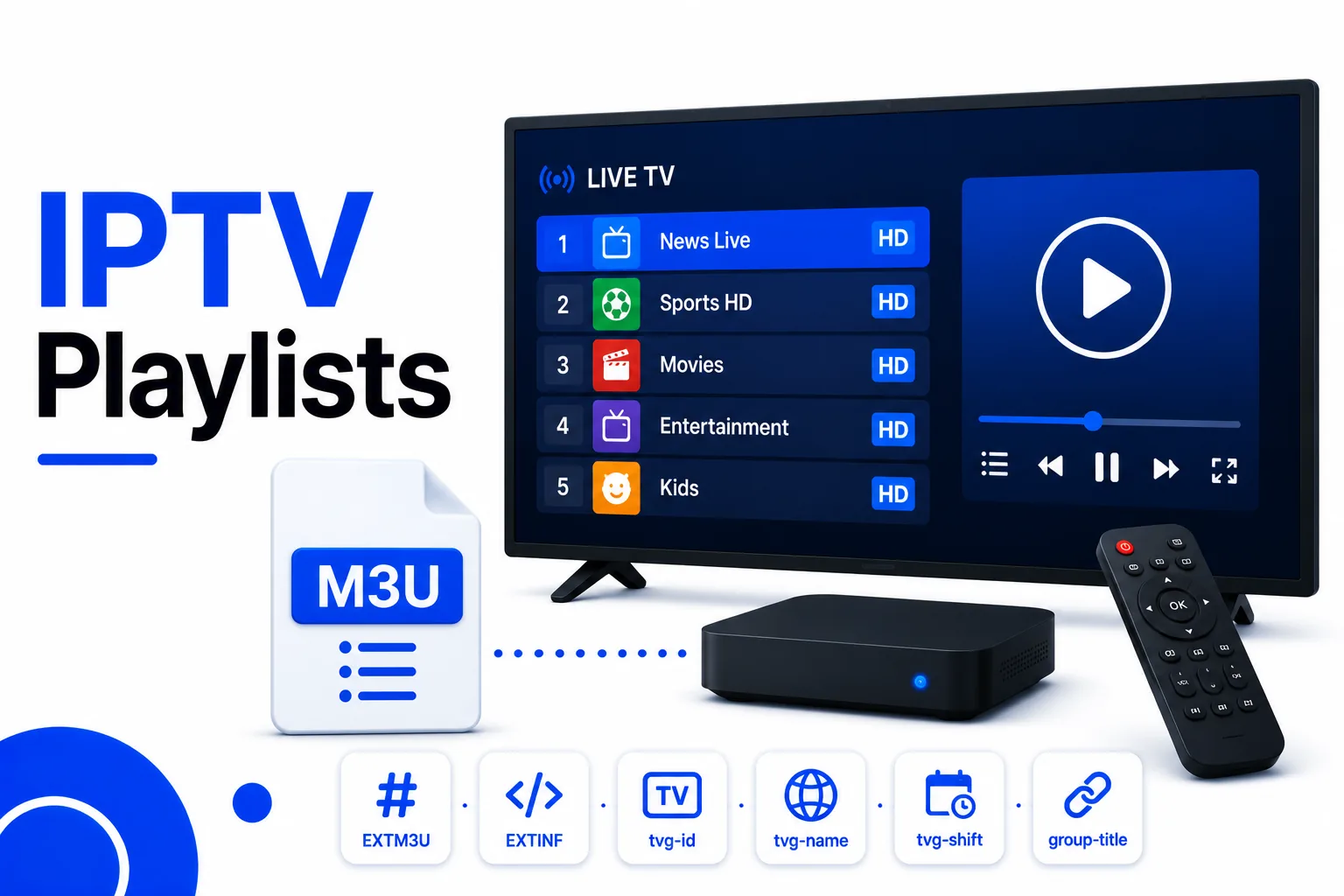
What Is an IPTV Playlist?
An IPTV playlist is an M3U or M3U8 file that contains a list of television channel stream URLs, each paired with metadata that IPTV apps use to display channel names, logos, categories, and programme guide information. Understanding what an IPTV playlist contains is the first step to creating or editing one.
The IPTV playlist is the bridge between an IPTV provider's streaming servers and the viewer's device. The IPTV playlist itself contains no video — it is a plain-text directory of where streams live. Load an IPTV playlist into any IPTV player and the app builds a full channel guide from the metadata inside.
M3U Format Structure in IPTV Playlists
Every valid IPTV playlist follows this structure:
- First line:
#EXTM3U(mandatory header, optionally includes the EPG URL for the IPTV playlist) - For each channel in the IPTV playlist: a
#EXTINFmetadata line followed immediately by the stream URL
#EXTM3U x-tvg-url="http://epg.example.com/xmltv.xml"

#EXTINF:-1 tvg-id="bbc.one.uk" tvg-name="BBC One" tvg-logo="https://logos.example.com/bbc1.png" group-title="UK | Entertainment",BBC One HD
http://provider.example.com/live/user/pass/101.ts

#EXTINF:-1 tvg-id="sky.sports.main" tvg-name="Sky Sports Main" tvg-logo="https://logos.example.com/skysports.png" group-title="UK | Sports",Sky Sports Main Event
http://provider.example.com/live/user/pass/201.ts

#EXTINF:-1 tvg-id="cnn.us" tvg-name="CNN" tvg-logo="https://logos.example.com/cnn.png" group-title="News | International",CNN International
http://provider.example.com/live/user/pass/301.ts

#EXTINF:5400 tvg-id="" tvg-name="" tvg-logo="" group-title="Movies | Action",The Dark Knight (2008)
http://provider.example.com/vod/user/pass/tdk.mp4
EXTINF Attributes Reference
| Attribute | Example value | Required? | Purpose |
|---|---|---|---|
tvg-id | bbc.one.uk | Recommended | Matches channel to EPG data. Must be exact. |
tvg-name | BBC One | Recommended | Internal name used for EPG fallback matching. |
tvg-logo | https://…/logo.png | Optional | Channel logo URL shown in player UI. |
group-title | UK | Entertainment | Recommended | Category folder in the player channel list. |
| Duration | -1 | Required | -1 for live streams. Seconds for VOD. |
| Display name | BBC One HD | Required | Channel name shown in menus. Comes after the comma. |
For full details on each attribute see the EXTINF reference guide.
EPG Linking with x-tvg-url
The #EXTM3U header can include an x-tvg-url attribute pointing to an XMLTV EPG source. This tells compatible players where to fetch programme schedule data automatically:
#EXTM3U x-tvg-url="http://epg.example.com/xmltv.xml"Players that support this attribute (TiviMate, IPTV Smarters, Kodi) will download the XMLTV file and match channels using tvg-id. See the EPG guide for how matching works.
Group Naming Conventions
The group-title attribute determines the folder structure in your IPTV player. There is no enforced standard, but common conventions are:
- Country | Category — e.g.
UK | Sports,US | News - Category only — e.g.
Sports,Movies,Kids - Language | Category — e.g.
Arabic | Entertainment
Keep group names consistent throughout the playlist. Inconsistent capitalisation (e.g. sports vs Sports) creates duplicate folders in some players.
M3U URL vs Downloaded File
| M3U URL | Downloaded file | |
|---|---|---|
| Updates automatically | ✓ Yes — always fetches latest | ✗ No — static snapshot |
| Works offline | ✗ No | ✓ Yes (streams still need internet) |
| Credentials visible | In the URL | In the file |
| Best for | Active IPTV subscriptions | Manual curation, self-hosted |
For most IPTV subscriptions, use the URL method. The provider can rotate stream URLs or update channel lists without you needing to re-download anything.
Quality Checklist for IPTV Playlists
A well-formed IPTV playlist should pass all of these quality checks:
- First line is exactly
#EXTM3Uwith no spaces or BOM characters before it - Every channel in your IPTV playlist has a
#EXTINFline immediately above its URL - No blank lines between
#EXTINFand the stream URL in your IPTV playlist - All stream URLs in the IPTV playlist use HTTPS where possible
- No whitespace in stream URLs
- Every channel has a
group-titleattribute for proper IPTV playlist organization - All channels that should show EPG have a
tvg-idmatching the EPG source - No duplicate stream URLs in the IPTV playlist
- Logo URLs are reachable and return valid images
Run your IPTV playlist through the M3U Validator to check all of these automatically.
IPTV Playlist Troubleshooting
IPTV playlist loads but channels won't play
- The stream URL in your IPTV playlist may have expired. Request a fresh IPTV playlist from your provider.
- Test the stream URL directly in VLC to isolate whether it's the URL or the player causing the IPTV playlist issue.
- Check the URL doesn't contain spaces or invalid characters.
Channels missing from the IPTV playlist
- The IPTV playlist may be truncated. Check the file size — a partial download shows fewer channels.
- Some players hide channels whose
group-titleis set to empty in the IPTV playlist. Check group filters.
No EPG data in IPTV playlist
- Check
tvg-idin your IPTV playlist matches the EPG source exactly. - Ensure
x-tvg-urlis set in the#EXTM3Uheader of your IPTV playlist or EPG URL is configured in your player. - See the EPG guide for full IPTV playlist troubleshooting.
FAQ
What format are IPTV playlists?
IPTV playlists use the M3U or M3U8 format — a plain-text file with stream URLs and metadata attributes like channel name, logo, group, and EPG ID.
How do I get an IPTV playlist?
Your IPTV provider gives you an M3U URL or file. Some free sources exist for public broadcaster streams. You can also create your own for self-hosted media.
How many channels can an M3U playlist hold?
There is no technical limit. Playlists with 5,000–20,000 channels are common. A 10,000-channel playlist is typically around 2–4 MB of text.
Why does my IPTV playlist stop working?
Most commonly: expired authentication tokens in stream URLs, or the provider changed their server. Request a fresh playlist from your provider.
Validate your IPTV playlist
Check your IPTV playlist for syntax errors, duplicates, missing attributes, and HTTPS coverage in one click.