IPTV Troubleshooting Guide — Fix Buffering & Missing Channels
If you're searching for IPTV troubleshooting solutions, this guide covers the most common IPTV troubleshooting scenarios step by step. From IPTV troubleshooting buffering issues and channels not loading to missing EPG and authentication failures, these IPTV troubleshooting techniques will help you diagnose and fix problems quickly. Whether you're using TiviMate, Kodi, or IPTV Smarters, this IPTV troubleshooting guide has you covered.
Start here: validate your M3U playlist
Most IPTV failures trace back to a broken or malformed playlist. Rule this out first.
Buffering and freezing — Most common IPTV troubleshooting issue
Test your internet speed for IPTV troubleshooting
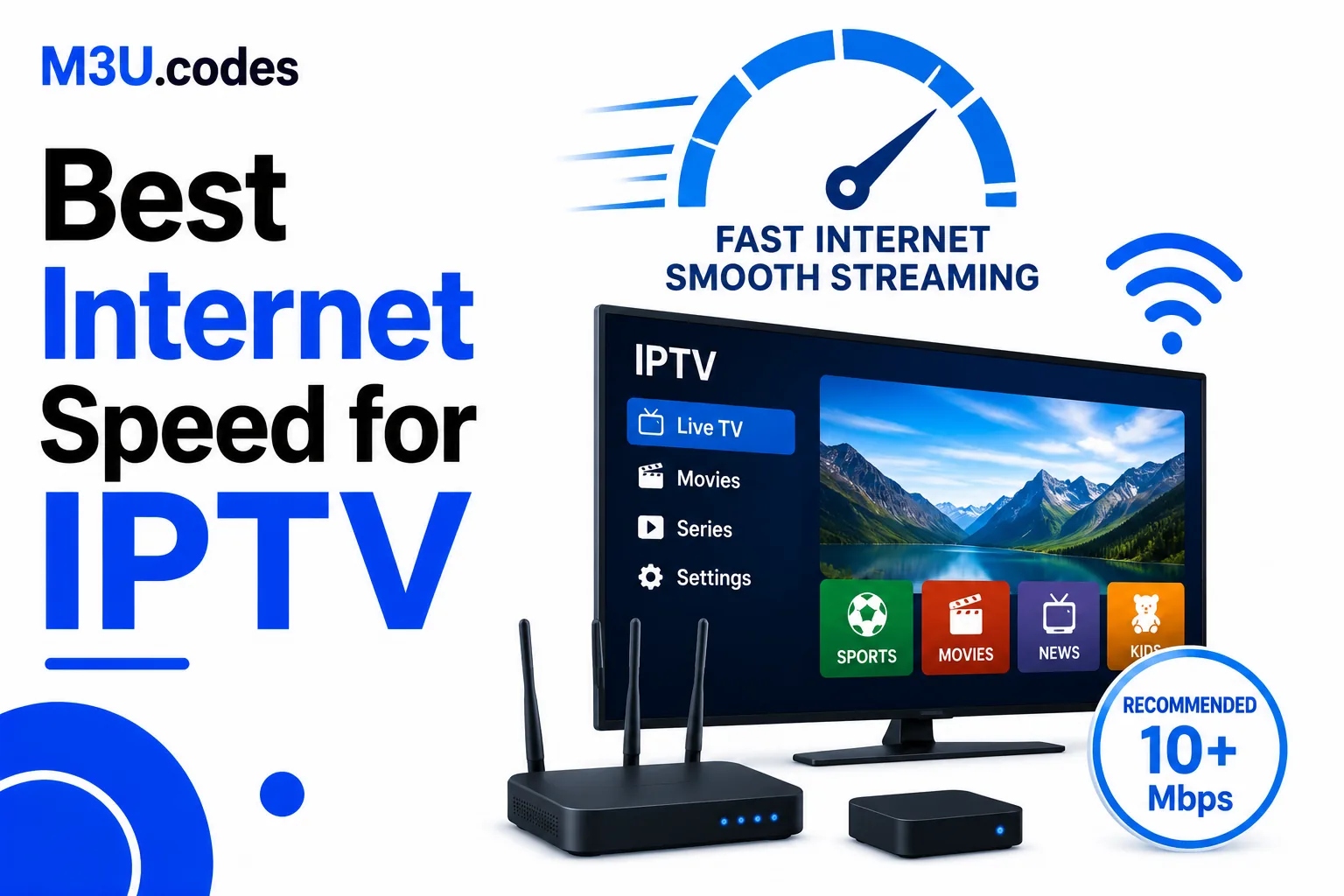
You need at least 10 Mbps stable for HD, 25+ Mbps for 4K. Run a speed test and check for packet loss. This is the first step in IPTV troubleshooting.
Switch to wired ethernet
Wi-Fi introduces latency and packet loss. A wired connection is dramatically more reliable for live TV and essential for effective IPTV troubleshooting.
Increase buffer size in your player
In TiviMate: Settings → Player → Buffer size → increase to 8–16 MB. In VLC: Preferences → Input/Codecs → Network caching → set to 2000ms.
Test at a different time
IPTV servers are often overloaded during peak hours (evenings, sports events). Test the same channel at a different time to determine if it's a server issue.
Check simultaneous connection limit
Most IPTV providers limit connections. If multiple devices are streaming simultaneously, you may be hitting the limit. This IPTV troubleshooting check is often overlooked.
Channels not loading or showing error — IPTV troubleshooting steps
Validate your M3U playlist
Run the playlist through the M3U Validator to find syntax errors, broken URLs, and malformed entries that cause silent failures. This is essential for IPTV troubleshooting.
Check URL authentication
Many IPTV stream URLs contain username/password tokens that expire. Check the expiry date with your provider and request a fresh playlist. Common IPTV troubleshooting fix.
Test the stream URL directly in VLC
Copy the stream URL → open VLC → Media → Open Network Stream → paste and play. If it fails in VLC, the URL is the problem, not the IPTV app.
Refresh or re-import the playlist
Force your IPTV app to re-download the playlist. In TiviMate: Settings → Playlists → your playlist → Refresh.
No EPG / programme guide
Check tvg-id matching
The tvg-id in your M3U must match the channel ID in your EPG source exactly — including case, dots, and hyphens. Compare them manually for problem channels.
Verify EPG URL is accessible
Paste your EPG URL into a browser. It should return XML data. If it shows an error or blank page, the EPG source is down.
Force EPG refresh
In TiviMate: Settings → EPG Sources → your source → Refresh Now. In Kodi: go to the PVR IPTV Simple Client settings and trigger a manual EPG update.
Check timezone settings
If EPG shows programme data but at the wrong time, your player timezone is set incorrectly. Correct it in the player settings.
Playlist not loading at all
Check internet connectivity
Obvious but often missed — verify the device can access the internet by opening a website in a browser.
Validate the M3U URL or file
Paste the M3U URL into a browser. You should see plain text starting with #EXTM3U. If you see an error page, the URL is wrong or expired.
Check for encoding issues
If the playlist loads but shows no channels, the file may have a BOM character before #EXTM3U. Re-save as UTF-8 without BOM.
Try a different player
If the playlist loads in one player but not another, the issue is app-specific. TiviMate and IPTV Smarters are the most reliable parsers.
Audio/video sync issues
Change the player/decoder
In TiviMate: hold on a channel → Player → switch between ExoPlayer and the system player. Different decoders handle codecs differently.
Adjust audio delay in VLC
In VLC: Tools → Track Synchronization → adjust Audio/Video delay in small increments (e.g. +200ms or -200ms).
Check stream codec
Some streams use AC3 or EAC3 audio that older devices don't support natively. Use a player with software audio decoding (VLC, ExoPlayer).
Why is my IPTV buffering?
Most commonly: insufficient bandwidth (10+ Mbps needed for HD), Wi-Fi issues, or overloaded server. Try wired ethernet and increase player buffer size.
Why won't my IPTV channels load?
Check your M3U URL hasn't expired — IPTV tokens expire regularly. Validate the playlist for errors and request a fresh URL from your provider.
Why is there no EPG?
tvg-id in your M3U must match the EPG source channel ID exactly. Check case sensitivity and compare manually for problem channels.