What Is an M3U File? Complete Guide to the Playlist Format
If you’re wondering “what is M3U,” this is your complete guide. An M3U file is a plain-text playlist that tells media players what to play and in what order — whether that's a folder of MP3s, a list of internet radio stations, or thousands of live TV channels. This guide explains exactly what is M3U format, what's inside an M3U file, how players read M3U files, and what every M3U tag means.
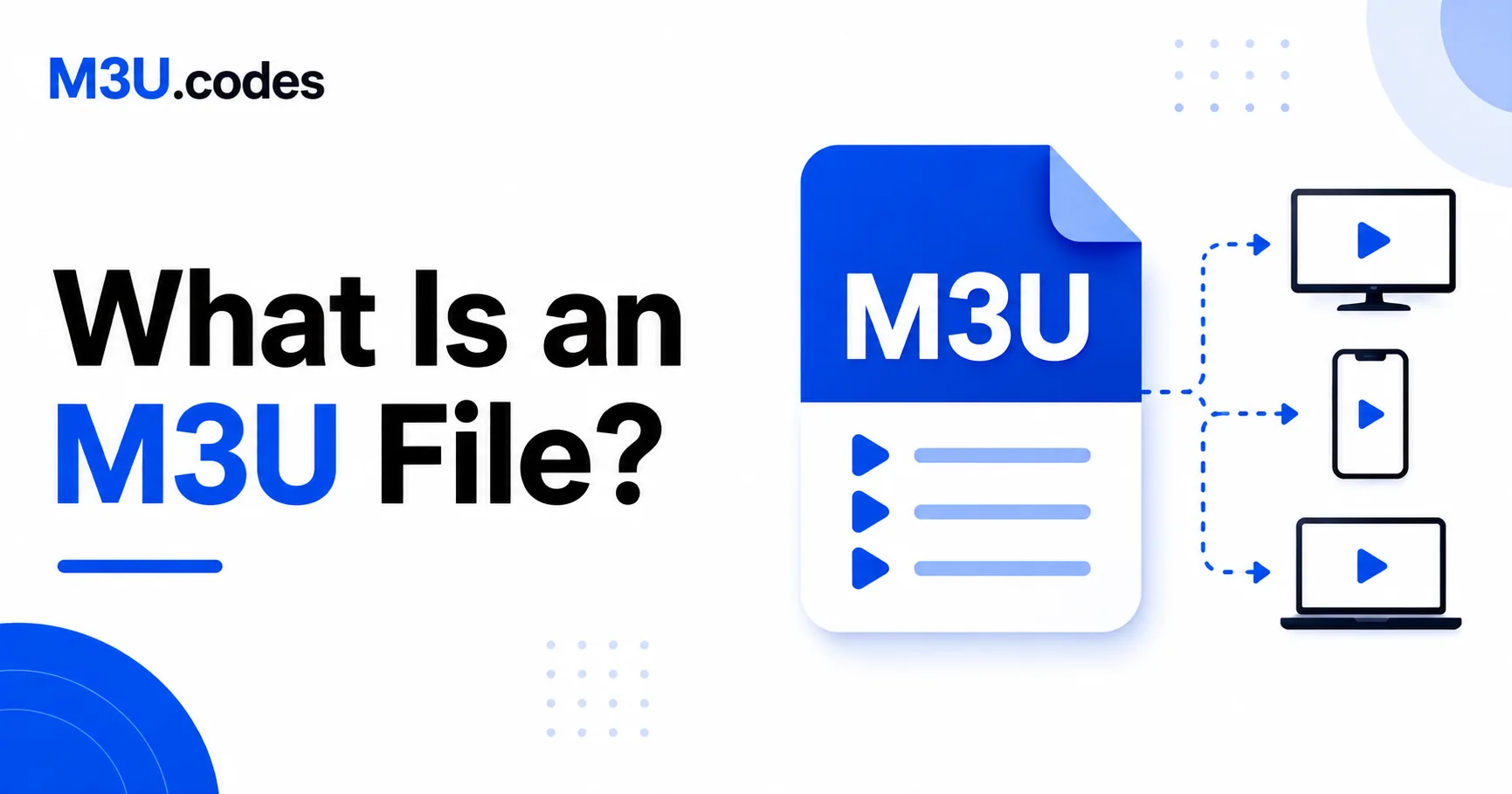
What Is an M3U File?
So what is M3U? An M3U file is a plain-text document that contains a list of locations pointing to media files. Understanding what is M3U starts with knowing that the locations can be file paths on your local drive (C:\Music\song.mp3) or URLs to streams on the internet (http://stream.example.com/radio.mp3).
The M3U file itself contains no audio or video data. It is purely a map — a set of instructions that tells a media player where to find content and what order to play it in. This is what makes M3U files so small (often just a few kilobytes) even when they represent thousands of channels.
M3U was originally created for Winamp, the dominant MP3 player of the 1990s. Understanding what is M3U format means appreciating its simplicity — this simplicity made M3U files universal. Today every major media player, smart TV app, and IPTV client supports M3U playlists.
How a Media Player Reads an M3U File
When you open an M3U file in VLC, Kodi, or any IPTV app, understanding what is M3U processing helps explain the player's actions:
- Opens the M3U file and reads it as plain text.
- Parses each entry — reads the metadata (channel name, duration, logo URL) from the
#EXTINFtags. - Resolves each URL or file path to find the actual media.
- Builds the playlist UI from the parsed data.
- When you select an entry, fetches and plays the media at that location.
Because the player does all the fetching, M3U files are not tied to any one server or format. The same M3U playlist can point to MP3 files, AAC streams, MPEG-TS IPTV streams, or M3U8/HLS streams — the M3U player handles each URL type appropriately. This flexibility is a key part of what makes M3U format so powerful.
What's Inside an M3U File
Open any M3U file in a text editor and you'll see plain text. Understanding what is M3U format structure is simple — the simplest possible M3U playlist without metadata is just a list of paths:
#EXTM3U

#EXTINF:233,Nirvana - Come as You Are
C:\Music\Nirvana\ComeAsYouAre.mp3

#EXTINF:242,Radiohead - Creep
C:\Music\Radiohead\Creep.mp3

#EXTINF:195,Oasis - Wonderwall
C:\Music\Oasis\Wonderwall.mp3
Every element here has a specific purpose:
| Element | What it does |
|---|---|
#EXTM3U | Required first line. Tells the player this is an extended M3U file with metadata. |
#EXTINF:233, | Duration in seconds (233 = 3m 53s), followed by the display title after the comma. |
C:\Music\… | The file path or URL to the actual media. Must be on the line immediately after #EXTINF. |
The Extended M3U Format (#EXTINF)
The #EXTINF tag is what separates a useful playlist from a bare file list. It provides the player with display information so it doesn't have to open every file to know what it contains.
The full syntax is:
#EXTINF:<duration>,<display title>For IPTV playlists, the tag expands to include attributes:
#EXTINF:-1 tvg-id="..." tvg-name="..." tvg-logo="..." group-title="...",Display NameThe -1 duration is used for live streams where the length is unknown. See the EXTINF reference and M3U tags guide for a full breakdown of every attribute.
What M3U Files Are Used For
Now that you know what is M3U, here are the most common M3U file applications:
Local music playlists
The original M3U use case. Create a queue of MP3, FLAC, AAC, or OGG files on your computer. Relative paths let you move the folder anywhere and the M3U playlist still works.
Internet radio
Radio stations publish their stream URLs as M3U files. Opening an M3U radio file in VLC or Winamp connects you to the live audio stream. Duration is -1 since the M3U stream has no end.
#EXTM3U

#EXTINF:-1,BBC Radio 1
http://stream.live.vc.bbcmedia.co.uk/bbc_radio_one

#EXTINF:-1,NPR News
https://npr-ice.streamguys1.com/live.mp3
IPTV channel lists
The most widespread use of M3U today. IPTV providers deliver channel lists as M3U files, with each M3U entry pointing to a live TV stream. The extended IPTV attributes (tvg-id, tvg-logo, group-title) allow apps like TiviMate and IPTV Smarters to display channel logos, sort channels into categories, and match channels to an EPG (Electronic Program Guide). This IPTV application is why understanding what is M3U is essential for cord-cutters.
#EXTM3U

#EXTINF:-1 tvg-id="bbc1" tvg-name="BBC One" tvg-logo="https://example.com/bbc1.png" group-title="UK",BBC One
http://provider.example.com/live/user/pass/101.ts
Validate your M3U file for free
Check syntax, broken paths, missing EXTINF tags, and duplicate entries in one click.
M3U vs M3U8 — Key Differences
The M3U format has been the universal playlist standard since the 1990s. When comparing what is M3U vs what is M3U8, remember that M3U and M3U8 use identical internal syntax.
| .m3u | .m3u8 | |
|---|---|---|
| Encoding | System default | UTF-8 (explicit) |
| Internal syntax | Identical | Identical |
| Non-English characters | May break | Always correct |
| HLS streaming | Not used | Standard format |
| IPTV playlists | Common | Also common |
The .m3u8extension has two distinct meanings depending on context: (1) a standard M3U playlist saved with UTF-8 encoding, and (2) an HLS manifest file used by Apple’s streaming protocol. These look different internally. See the M3U vs M3U8 guide for the full breakdown.
How to Open and Edit M3U Files
Opening in a media player
- VLC: Double-click the file, or drag it into VLC's window. Also works for remote URLs via Media → Open Network Stream.
- Kodi / IPTV apps: Import via the app's playlist URL or file import option.
- Windows Media Player: Double-click. Windows will associate
.m3uwith the default player.
Opening in a text editor
Right-click the file → Open With → Notepad (Windows) or TextEdit (Mac, set to plain text mode). You'll see the raw text exactly as shown in the examples above.
Editing with tools
For large IPTV playlists, use the M3U Editor to visually manage channels, or the M3U Validator to find errors before loading into your player.
Frequently Asked Questions
What is an M3U file?
An M3U file is a plain-text playlist. It contains a list of file paths or URLs that a media player reads and plays in sequence. It contains no audio or video data itself.
What does M3U stand for?
M3U stands for MP3 URL. It originated as a playlist format for Winamp in the 1990s and has since become the universal standard for media playlists.
Can I open an M3U file in Notepad?
Yes. Right-click the file → Open With → Notepad. You'll see plain text with the #EXTM3U header and a list of #EXTINF tags and file paths or URLs.
Is M3U only for IPTV?
No. M3U was created for local music playlists. It's used for MP3 queues, internet radio, podcast feeds, video playlists, and IPTV channel lists. IPTV is just the most common modern use case. Understanding what is M3U means recognizing its versatility.
What is the difference between M3U and M3U8?
M3U uses the default system encoding. M3U8 explicitly uses UTF-8. Both formats have identical internal syntax. Use M3U8 when file names contain non-English characters or when working with internet streams.