What Is XTream Codes? Login Guide & How to Get Free Codes
If you’ve ever signed up at an IPTV provider and received a server URL, username, and password instead of a playlist file, you were given XTream Codes. This guide explains what XTream Codes is, how the XTream Codes login works, which players support it, and how to get free XTream Codes to test a provider before you pay.
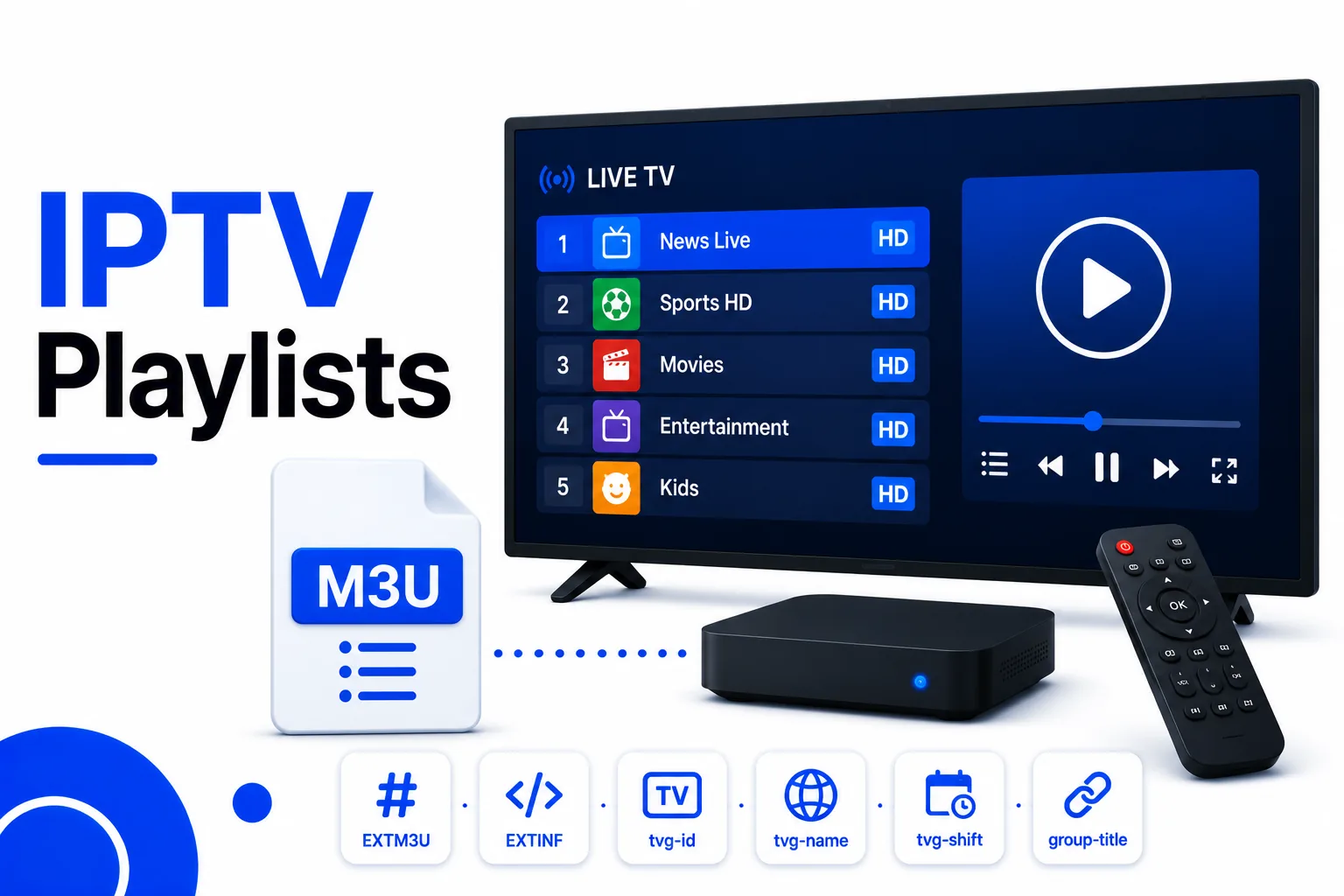
What Is XTream Codes?
XTream Codes is a software suite that IPTV providers use to manage their service end to end — subscriptions, users, devices, channel delivery, and even their own websites. It became the industry-standard management panel for IPTV because it bundles everything a provider needs into one platform.
What matters for viewers is how the provider’s XTream Codes panel delivers channels to you. There are three ways a provider can give you access:
- XC Logins (portal): a server URL, username, and password you enter directly into a player’s “Add XC Login” form.
- M3U URL: a single internet link to a generated playlist that contains all your channels, delivered as an M3U file.
- M3U Plus: the same as an M3U URL but enriched with EPG and group metadata so channels display logos and categories.
XTream Codes servers traditionally deliver the actual streams on HTTP port 8080 (or 2095/25461 on some providers) and the panel websites on port 80 or 8880. The numbers you see in your credentials usually reveal whether a provider runs XTream Codes.
How the XTream Codes Login Works
An XTream Codes login is three pieces of information. The provider’s panel generates them for every subscription:
- Server URL — the portal address, typically
http://provider-server.com:8080. - Username — unique to you and valid until your subscription expires.
- Password — paired with your username.
To use them, open your IPTV player, choose Add Playlist or Add XC Login, select XTream Codes login, and paste the three values. The player contacts the server, queries your channel list, and builds the full lineup automatically — logos, categories, and EPG included. No file is ever downloaded to your device.
The portal URL also works in a browser, where you can preview the channel list, watch streams, and check your subscription’s active-until date.
XTream Codes vs M3U — Which Is Better?
Both formats carry the same channels from the same server. The difference is the delivery method:
| XTream Codes login | M3U URL | |
|---|---|---|
| You need | Server, username, password | One playlist link |
| Setup time | Seconds in player’s XC form | Seconds in player’s URL field |
| Channel metadata | Built in (logos, EPG, groups) | Only with M3U Plus |
| Credential exposure | None in the URL | Username/password visible in link |
| Player support | Most modern IPTV apps | Every media player |
For everyday use on TiviMate, IPTV Smarters Pro, or XCIPTV, the XTream Codes login is usually the smoother option because the player handles everything. M3U wins when you need maximum compatibility — it works in VLC, Kodi, and any app that can open a playlist URL. See the What Is M3U? guide for the playlist side of the comparison.
Want a free trial playlist?
The same free trial delivers both an M3U URL and XC login — get the free M3U URL and test everything before paying.
How to Get Free XTream Codes
Getting free XTream Codes is the same as getting any free IPTV trial — the difference is the format of what you receive. Here’s the process:
- Sign up for a free trial (typically 24–48 hours) at an IPTV provider using the XTream Codes panel.
- The provider emails your server URL, username, and password within minutes.
- Open your player, choose Add XC Login, and enter the three credentials.
- Browse the automatically built channel list and start watching before the trial expires.
The same free trial almost always includes an M3U URLas an alternative. Paste that single link into any player’s playlist field if you prefer. Either format is covered by your free trial, so you can test a provider before spending anything.
Tip: validate the provider’s M3U playlistand check what’s inside before you commit — a broken or thin lineup on a free trial is a sign the paid service won’t impress either.
Example M3U generated from XTream Codes
If a provider gives you the M3U route instead of the portal login, the playlist lines look like this — note your username and password sitting in the stream URL:
#EXTINF:-1 tvg-id="tnt" tvg-name="TNT" tvg-logo="https://example.com/tnt.png" group-title="Entertainment",TNT
http://provider-server.com:8080/live/USERNAME/PASSWORD/123456.ts
Players That Support XTream Codes
Almost every dedicated IPTV player supports the XTream Codes login natively. Entering three credentials is easier than pasting a playlist URL, so providers include both options:
- TiviMate — XC login under Add Playlist. The most popular IPTV app on Android TV. See the TiviMate setup guide.
- IPTV Smarters Pro — built-in “Add User” form for XC logins. See the IPTV Smarters setup guide.
- XCIPTV — designed around the XTream Codes login specifically.
- IBO Player Pro — XC login supported on Android and Fire TV.
- OTT Navigator — supports XTream Codes alongside M3U and Stalker.
- Kodi / PVR clients — via add-ons that accept XC credentials. Set-top boxes bundled by providers often run a pre-configured login app too.
No XTream Codes support? Any device that can play the provider’s M3U URL — such as VLC, Kodi, or Plex — still works, since XTream Codes servers generate M3U playlists for every subscription.
Frequently asked questions
What is XTream Codes?
XTream Codes is software IPTV providers use to run their service. For viewers, it means receiving a server URL, username, and password instead of a playlist file. It's the most common IPTV admin/receiving setup in the world.
What is the XTream Codes server URL?
The server URL is the portal address from your provider, usually formatted like http://provider-server.com:8080. You paste it into your player's XC login form along with your username and password.
Is XTream Codes free?
The software is a panel used by providers, not priced per viewer. Viewers get the login format from their provider. You can obtain free XTream Codes only through a provider's free trial offer.
Can I use XTream Codes in VLC?
VLC doesn't accept XC logins directly. Ask the provider for the M3U URL version of your subscription instead — VLC loads those perfectly.
XTream Codes vs M3U — which should I use?
Use the XTream Codes login if your player supports it (TiviMate, IPTV Smarters, XCIPTV) for automatic channel lists with EPG. Use the M3U URL for maximum device compatibility. Both deliver identical channels.
Continue learning
Quick Reactions
Was this guide helpful?