IPTV Playlist URL: Find, Add & Test One
An IPTV playlist URL is just a web address that returns a channel list — not a stream. Understanding its parts explains most setup failures before you touch a single player setting. Here is how to read one, add it to each major app, and prove it works before you depend on it.
What an IPTV Playlist URL Actually Is
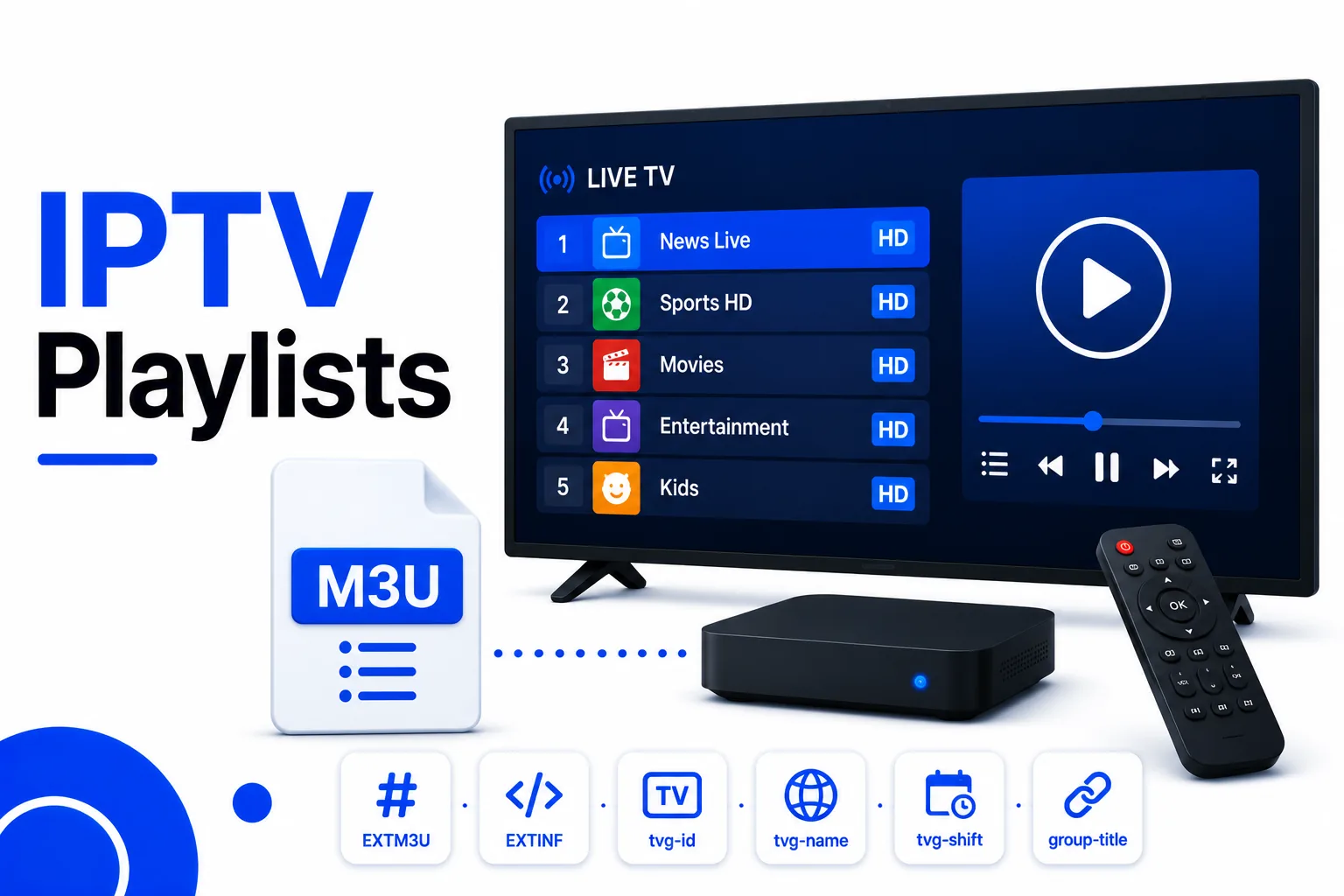
The URL points at a text file. The file starts with #EXTM3U and lists one entry per channel: an #EXTINF line with the channel name, logo, and group, then the stream address on the next line. Your player downloads that file once, remembers it, and connects to a stream only when you select a channel.
This matters because it splits every failure into two different problems. If the URL will not download, nothing about the channels matters. If the file downloads and a channel will not play, the URL was never the problem — that channel is dead, geo-blocked, or refused your connection.
Anatomy of a Playlist URL
Two shapes cover almost everything you will be handed:
# Plain file https://example.com/playlist.m3u # Provider URL with credentials https://example.com/get.php?username=USER&password=PASS&type=m3u_plus&output=ts https://example.com:8080/live/USER/PASS/12345.m3u8
| Part | Example | What it tells you |
|---|---|---|
| Scheme and host | https://example.com | Where the file lives. Plain http:// still works but exposes credentials on the network. |
| Path and extension | /playlist.m3u | Usually identifies the file type. A URL with no extension can still return an M3U. |
| Query parameters | ?type=m3u_plus&output=ts | Asks the server for a specific format and container. Changing these changes what you download. |
| Credentials | username=USER&password=PASS | Authenticates the request. This is the part that must never be posted publicly. |
| Port | :8080 | A non-standard port. If your network or ISP blocks it, the URL fails even though it is valid. |
A URL that contains a username and password is a single factor: anyone holding it can use your subscription. That is why screenshots of working URLs get revoked so quickly. See M3U playlist security for how to handle them.
Where Playlists Come From
| Source | What you get | Notes |
|---|---|---|
| Public projects (iptv-org) | Category and country playlists of publicly available streams | Free and legal to use; channels rotate, so expect churn |
| Broadcaster-published HLS | A single channel as an M3U8 address | Legal where the broadcaster offers it; often geo-limited |
| Paid provider dashboard | A personal M3U URL tied to your account | Read the connection limit before sharing a device |
| Self-hosted playlist | Your own file, served from your own host | Full control, but you maintain the links |
For free sources, start with the public IPTV playlist guide. It covers which lists are maintained, how to vet one before loading it, and why a list advertising premium channels is not a better list.
Adding the URL to Your Player
| Player | Path | What to paste |
|---|---|---|
| TiviMate | Settings → Playlists → Add playlist → M3U playlist → Enter URL | The full URL, including query parameters |
| IPTV Smarters Pro | Add Playlist → M3U URL → name → paste | The URL only; leave username and password blank |
| Kodi (PVR IPTV Simple Client) | Configure → M3U Play List URL → enable → restart Kodi | The URL, then set the EPG URL separately |
| VLC | Media → Open Network Stream → Network | The URL; VLC will list the channels as playlist items |
Paste into a note first if the app truncates. The most common setup failure is a URL cut off at an & or a stray trailing space picked up from a chat message.
Test It in Three Steps
- Download the URL in a browser. A file starting with
#EXTM3Umeans the URL and credentials work. An error page means they do not. - Validate the file. Run it through the M3U Validator to catch malformed
#EXTINFentries, duplicate URLs, and missing groups before a player chokes on them. - Open two or three channels in the player. Pick channels from different groups. If they play, the list is sound; if they buffer or stall, the problem is the streams, not the setup.
Use the Playlist Analyzer if you want the shape of the list before loading it: how many channels, how they are grouped, and how complete the metadata is.
Error Codes and What They Mean
| Symptom | Meaning | Fix |
|---|---|---|
| 401 Unauthorized | Credentials rejected | Re-copy the URL from the provider; check the subscription is active |
| 403 Forbidden | Request refused | Usually geo-block or connection limit reached |
| 404 Not Found | Path no longer exists | The list moved or was retired; get a fresh URL |
| Downloads an empty file | Account has no channels | Provider-side issue; contact them |
| Works in browser, not in app | Typo, truncation, or port blocked | Paste again carefully; try another network |
| Loads, but every channel fails | Streams moved or expired | Refresh the playlist; test a single stream URL directly |
Keeping the URL Private
Treat a credentialed URL like a password. Do not paste it into forums, screenshots, or public playlists, and do not commit it to a repository. If it does leak, most providers can reset your credentials — but the reset invalidates every device using the old URL, so you will re-add each one.
If you only need to share a channel list, export the names and logos rather than the authenticated URL, or convert the list to JSON with the M3U to JSON guide and share that instead.
Frequently asked questions
What is an IPTV playlist URL?
It is the web address of a playlist file — usually ending in .m3u or .m3u8 — that a player downloads and reads as a channel list. The URL is not a stream itself; it is a text file that points at streams. Paste it into a player and the player fetches the file, then connects to whichever channel you choose.
What does a normal IPTV playlist URL look like?
The simple form is https://example.com/playlist.m3u. Provider URLs often embed credentials, for example https://example.com/get.php?username=USER&password=PASS&type=m3u_plus&output=ts. Both are the same kind of file; the second just authenticates the request. Treat any URL containing a username or password as a secret.
Why does my IPTV playlist URL return a 401 or 403 error?
401 means the server rejected the credentials, 403 means it accepted the request but refuses to serve it. Common causes are an expired subscription, a copied URL with a truncated line, a trailing space from copy-paste, or a geo-block. Test the exact URL in a browser: if it downloads a text file the URL is fine and the player is at fault; if it shows an error, the problem is the URL or the account.
Can I use one playlist URL in more than one app?
Usually yes, but not always at the same time. Many providers limit concurrent connections, so opening the same URL on a TV and a phone may disconnect one of them. Some limit the number of registered devices instead. Check the provider's connection limit before assuming a URL works everywhere.
Where can I get a free IPTV playlist URL legally?
From public, maintained projects such as iptv-org, which publishes category and country playlists of publicly available streams, and from broadcasters that publish their own M3U or HLS links. These cover free-to-air and FAST channels. Any URL promising premium subscription channels for free is relaying someone else's service, not offering a legal source.
Should I load a playlist by URL or download the file?
Load by URL if the list is maintained and you want it to refresh automatically. Download the file if you need to edit it — trim channels, fix names, merge lists — or if you want a stable copy that cannot change under you. The M3U Editor works on a downloaded file and gives you a clean copy to reload.
How do I test an IPTV playlist URL before adding it?
Paste the URL into a browser first and confirm it returns a text file starting with #EXTM3U. Then validate it with the M3U Validator to catch malformed entries, and finally load it in a player and open two or three channels. That sequence separates a broken URL, a broken file, and a dead stream.
Summary
An IPTV playlist URL is the address of a text file, not a stream. Load it by URL when you want automatic updates; download it when you need to edit it. Test in the order the failures occur — download the URL, validate the file, then open channels — and you will always know which of the three is broken.
Related Guides
Quick Reactions
Was this guide helpful?
Sources: iptv-org playlist project, RFC 8216 (HTTP Live Streaming)