XMLTV Format Explained: The EPG File Behind IPTV Guides
Every IPTV programme guide is built from the same document: an XMLTV file listing channels and their schedules. This reference walks through the actual elements, the timestamp rules that cause most wrong-time bugs, and how the file connects to the tvg-id values in your playlist.
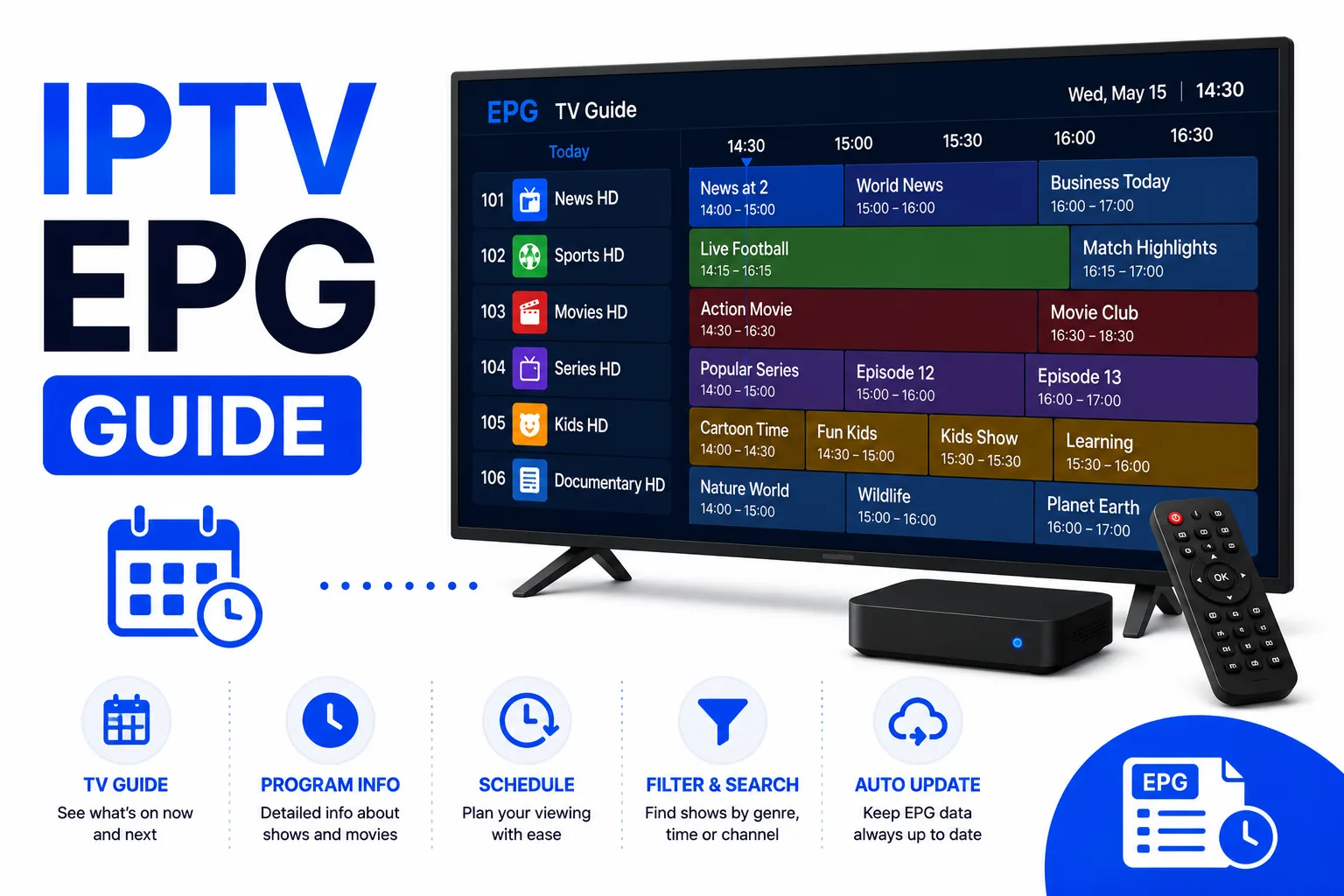
What XMLTV Is
XMLTV is a document format for television schedule data. It is not a streaming protocol and does not contain video — it only describes what is playing, when, and on which channel. IPTV players download an XMLTV document, parse it once, store the result in a local database, and render the guide from that database.
The format is maintained as a DTD rather than a formal standard body specification, which is why feeds vary in how much detail they include. A minimal feed has channel records and programme records. A rich feed adds icons, descriptions, categories, episode numbers, ratings, and subtitles flags. Players are expected to ignore elements they do not understand, so a feed can carry extra metadata without breaking compatibility.
Common file names are guide.xml, epg.xml, xmltv.xml, and any of those with a.gz suffix. The compressed variants are common because a full multi-country guide can exceed 100 MB uncompressed.
Document Structure
An XMLTV document has a single root element, <tv>, wrapped in a normal XML declaration. Channel definitions come first and programme entries follow. Order is not strictly required by every player, but channel first is the convention and the safer choice.
<?xml version="1.0" encoding="UTF-8"?> <tv generator-info-name="example" source-info-name="Example EPG"> <channel id="bbc1.uk"> <display-name>BBC One</display-name> <icon src="https://example.com/logos/bbc1.png" /> </channel> <programme start="20260825190000 +0000" stop="20260825200000 +0000" channel="bbc1.uk"> <title>Evening News</title> <desc>National and international headlines.</desc> <category>News</category> </programme> </tv>
The XML declaration should be the first thing in the file. A UTF-8 byte order mark before it, or a stray line of text, causes strict parsers to reject the entire document rather than a single entry.
Channel Elements
Each <channel> has one required attribute, id, and one or more child elements:
| Element | Required | Purpose |
|---|---|---|
id (attribute) | Yes | Unique channel key — the value your playlist's tvg-id must match |
display-name | Practically yes | Name shown in the guide; several can be listed, optionally with a language attribute |
icon | No | Logo URL with optional width and height attributes |
url | No | Channel website |
An id must be unique within the document. Duplicate IDs make matching unpredictable: the player may use the first record, the last record, or merge them, depending on the implementation. Public feeds usually follow a dotted naming pattern such as bbc1.uk or cnn.us, but any stable string works as long as the playlist agrees.
display-name is for humans, not for matching. Renaming a channel in the guide does not fix a broken link; only the id and tvg-id pair matters.
Programme Elements
A <programme> entry describes one broadcast slot. It has three required attributes — start,stop, and channel — plus child elements for the content itself.
| Element | Purpose |
|---|---|
title | Programme name; the only child element every player relies on |
sub-title | Episode title or secondary line |
desc | Synopsis, optionally with a language attribute |
category | Genre label such as News, Sport, or Movie |
episode-num | Season and episode in a system-specific notation, for example 0.12. |
icon | Episode or programme artwork |
rating | Age rating with a system attribute |
new | Empty element marking a first broadcast |
Programme slots may overlap on the same channel in malformed feeds. Most players tolerate it and pick one entry, but overlaps and gaps produce visible artefacts: duplicate rows, blank cells, or a schedule that jumps. When you build a guide, a slot should end exactly where the next one starts.
Timestamps and Offsets
XMLTV times are compact and easy to misread. The pattern is YYYYMMDDHHMMSS, followed by a space and a UTC offset in the form +HHMM or -HHMM.
20260825190000 +0000— 25 August 2026, 19:00 UTC20260825190000 +0200— same clock reading, two hours ahead of UTC20260825190000— no offset; interpreted as local time by many players
Wrong guide times are usually an offset problem, not a broken file. If a provider emits local time without an offset while the player assumes UTC, every programme shifts by the timezone difference. That is why one region can display correctly and another be off by hours from the same feed.
Some feeds include <tv>-level metadata such as date and generator-info-name. These are informational. The date value tells you when the feed was generated, which is useful when a guide suddenly shows several days of stale data: the document downloaded fine, but it is old.
How XMLTV Links to Your M3U Playlist
The connection between the guide and the channel list is a single string match. Your playlist carries it in the EXTINF line:
#EXTINF:-1 tvg-id="bbc1.uk" tvg-name="BBC One" tvg-logo="https://example.com/logos/bbc1.png" group-title="UK",BBC One HD
The guide carries the same value on the channel record:
<channel id="bbc1.uk">
When those two strings are identical, the player attaches the schedule. When they differ by case, spacing, or a suffix such as .hd, nothing attaches and the channel shows an empty guide. This is the single most common EPG failure, and it is a data problem rather than a player bug.
To find the correct value, open the XMLTV file, search for the channel name, and copy the id from the matching <channel> record. Then write that exact value into tvg-id with the M3U Editor. For a deeper walkthrough of the attributes themselves, see the M3U tags reference.
Validating an XMLTV File
A quick validation sequence catches nearly every problem:
- Open the file and confirm the XML declaration is the first line.
- Confirm the root element is
<tv>and the closing tag exists — truncated downloads are common with large feeds. - Run an XML parser:
xmllint --noout guide.xml. It reports malformed tags and bad encodings. - Count channel records and programme records. A guide with channels but no programmes is a feed problem, not a player problem.
- Check the newest
starttimestamp to see how far ahead the feed actually covers.
If the file is valid but the player still shows nothing, the problem has moved to the URL or the matching step. Our EPG URL setup guide covers adding and refreshing the source, and EPG not showing covers the app-side fixes.
Frequently asked questions
What is an XMLTV file?
An XMLTV file is an XML document that lists TV channels and their programme schedules. IPTV players download it to display an electronic programme guide. The root element is <tv>, which contains <channel> entries and <programme> entries linked by channel id.
Is XMLTV the same as an EPG?
XMLTV is a file format; EPG is the feature it powers. An EPG file for IPTV is almost always an XMLTV document, often served from a URL ending in .xml or .xml.gz. The terms are used interchangeably because XMLTV is the de facto standard.
What timestamp format does XMLTV use?
XMLTV timestamps use the pattern YYYYMMDDHHMMSS followed by a space and a UTC offset, for example 20260825193000 +0000. The offset can be omitted, in which case the time is treated as local. Players convert these values to the viewer's timezone.
How are channels linked between the M3U playlist and the XMLTV file?
The tvg-id attribute in the M3U EXTINF line must match the id attribute of a <channel> in the XMLTV file. Matching is case-sensitive and must be exact. If the strings differ, the player has no way to attach programme data to that channel.
Does an XMLTV file need an icon for every channel?
No. The <icon src="..."> element inside a <channel> is optional. Players fall back to tvg-logo from the playlist or a placeholder. Icons add file size, so large public feeds often omit them.
How can I check whether an XMLTV file is valid?
Open the file in a text editor and confirm it starts with an XML declaration and a <tv> root element, then run an XML parser such as xmllint --noout guide.xml. A truncated download or a stray character before the XML declaration will make every player reject the whole file.
Summary
XMLTV is a small vocabulary: a <tv> root, channel records keyed by id, and programme records keyed by start, stop, and channel. Almost every guide failure comes from three places — a malformed or truncated file, an offset that shifts every timestamp, or atvg-id that does not exactly match a channel id. Check those three and the guide works.
Related Guides
Quick Reactions
Was this guide helpful?